

A website and WhatsApp solve different parts of the customer journey. Your website helps people find your business, understand the offer, compare options, and decide whether they trust you. WhatsApp gives interested prospects a convenient way to ask a specific question and move forward.
For most businesses, the useful question is not “website or WhatsApp?” It is “what job should each channel perform?”
A strong website-to-WhatsApp journey gives visitors enough information to make the conversation productive. A weak one sends everyone into the same generic chat, where the team must repeat information the website should have explained.
A website is a public, structured destination your business controls. Search engines can discover its accessible pages, and prospects can reach them through organic search, paid campaigns, social media, referrals, or QR codes.
A lead-focused website should help visitors:
Unlike a chat thread, a website can organize information into dedicated service, product, location, and campaign pages. That structure makes the offer easier to discover, evaluate, share, and measure.
WhatsApp is most valuable after a prospect has developed some intent. It can remove uncertainty around availability, pricing, timing, customization, delivery, or project requirements.
Messaging also makes the interaction feel more personal. But a chat is not an efficient substitute for a complete service explanation, a large catalog, a checkout process, or answers to every recurring question.
The more effectively the website educates and qualifies visitors, the more likely WhatsApp conversations are to begin with a meaningful request instead of “Can you send me more information?”
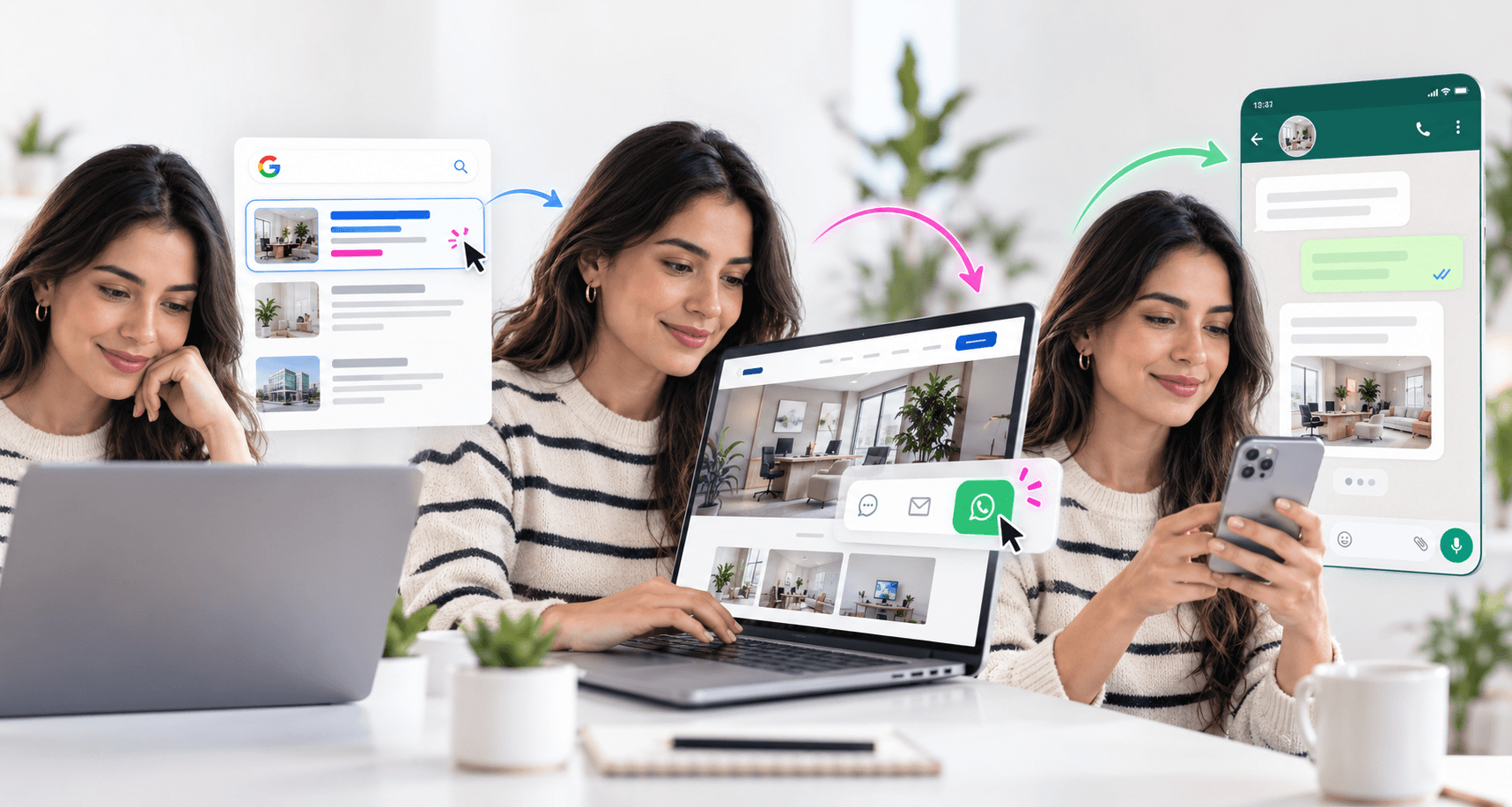
A practical website-and-WhatsApp funnel has four stages:
Consider a visitor reviewing a commercial photography service. After checking deliverables, examples, and the booking process, the visitor selects “Ask about project availability.” WhatsApp can open with the service already identified, allowing the conversation to begin at the right point.
Suggested article: [how to turn your website into a lead generation tool]
A service page, product page, booking page, and campaign landing page may require different actions. The button copy should describe that action instead of displaying only the name of the messaging app.
Labels such as “Ask about this service,” “Request a quote,” or “Check availability” set a clearer expectation and make the interaction easier to measure.
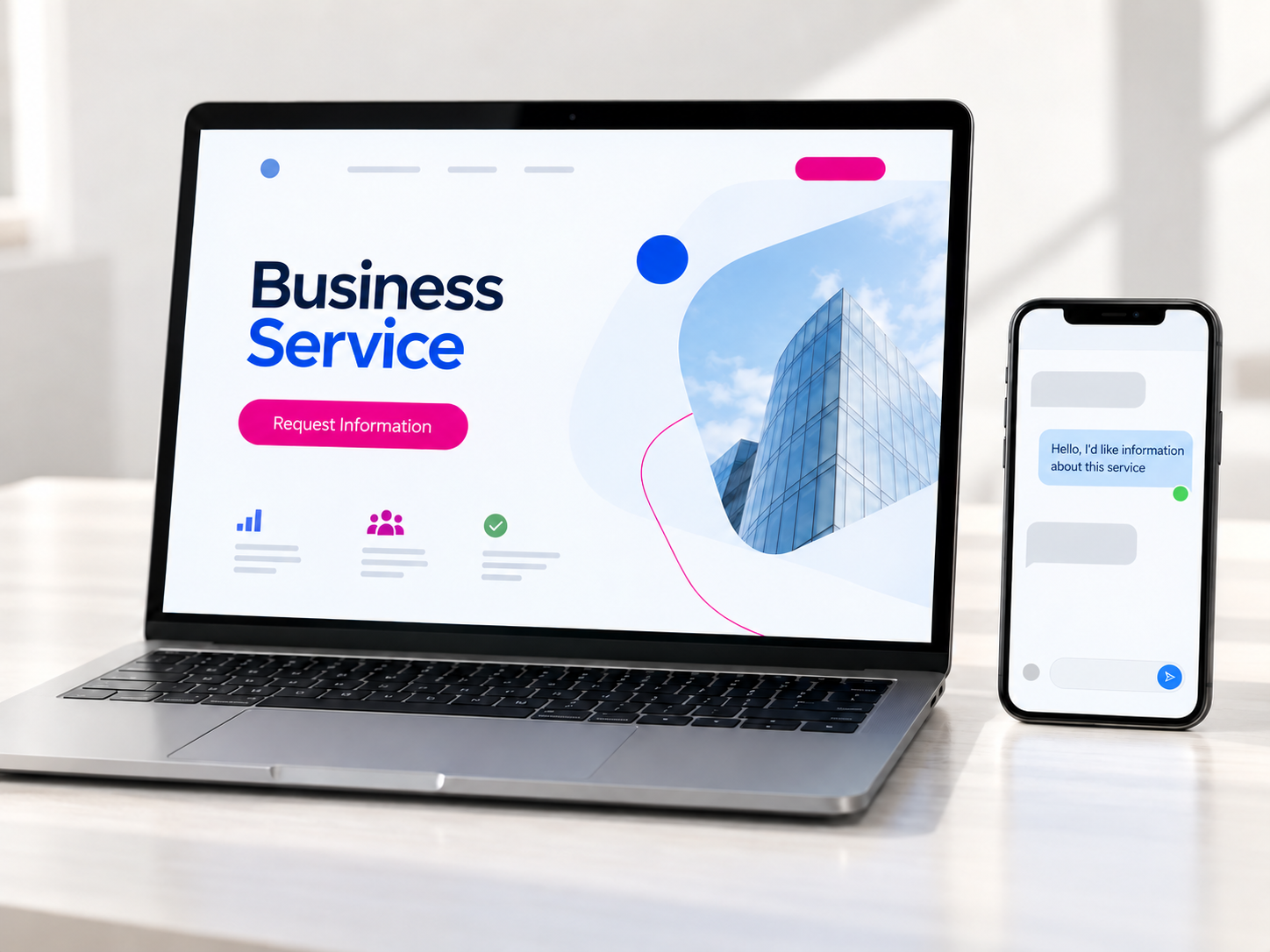
A WhatsApp link can open a draft message that the visitor reviews before sending. For example:
Hi, I was reviewing your product photography service and would like to ask about availability and project requirements.
The message can identify the page, service, product, or campaign, but it should avoid inserting unnecessary personal or sensitive information. It is a starting point, not permission for the business to speak on the visitor’s behalf.
A primary WhatsApp button may appear after the value proposition and essential information. On longer pages, it can return after pricing guidance, service comparisons, frequently asked questions, or product details.
A mobile sticky button can be useful if it remains accessible and does not cover content. Automatically opening the app or interrupting visitors before they understand the offer usually creates unnecessary friction.
The journey does not end when someone clicks. The business still needs response hours, ownership rules, qualification questions, saved answers, follow-up steps, and a reliable way to record outcomes.
The WhatsApp Business app may be enough for a small organization that manages conversations personally. A growing company with multiple agents, automation requirements, or system integrations may need WhatsApp Business Platform and a CRM or shared customer service workspace.
Not every visitor uses WhatsApp or wants to start an immediate conversation. Forms, email, phone calls, and scheduled meetings can remain available for structured requests, document submission, accessibility needs, or inquiries made outside business hours.
Messaging should remove the last obstacle to action. It should not make prospects request information that could have been presented clearly on the page.
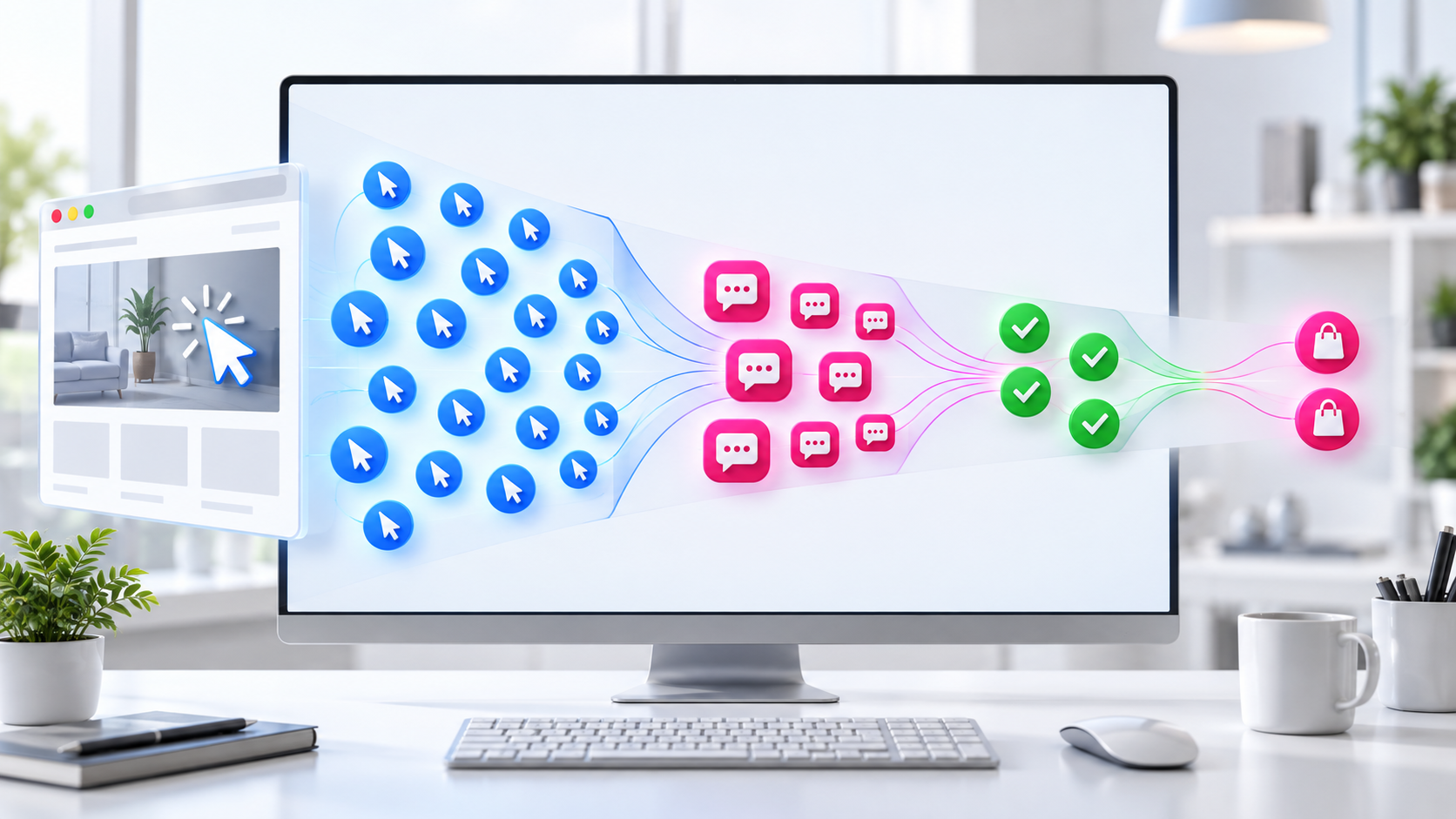
A button click is not automatically a lead. A visitor may open WhatsApp and close it without sending the message. A useful measurement plan distinguishes between:
The website can record the outbound click as a custom analytics event. When a visitor makes a real request for information, the business can record a lead-generation event and later connect it to qualification and revenue when the systems and consent framework allow it.
Campaign parameters can identify the source that delivered the website visit. Page-specific buttons and starter messages can preserve service context. After the user leaves the site, labels, a CRM, or a WhatsApp Business Platform integration may be needed to connect the conversation with its final outcome.
Useful metrics include click-through rate to WhatsApp, conversation-start rate, qualified-lead rate, response time, appointment or quote rate, and closed revenue. Total message volume alone does not reveal whether the channel is attracting suitable buyers.
Suggested article: [why your website gets traffic but no leads]
The answer is not always a large custom build. A company may need only a better landing page, a well-chosen template, improved analytics, and an organized WhatsApp Business account. The technical scope should follow the sales process and expected inquiry volume.
Yes. It can be a practical way to validate an offer when most prospects arrive through referrals or social media. A simple website becomes valuable when the business needs search visibility, structured information, campaign measurement, or a destination it can consistently share.
Not directly. Search visibility depends on accessible content, technical quality, relevance, authority, and other factors. The button supports conversion after the visit; it does not replace search optimization.
Usually not. WhatsApp supports fast conversation, while a form can collect structured requirements, accept detailed submissions, and work when the sales team is unavailable. Offering both lets the visitor choose.
There is no universal number. Buttons should appear when the visitor has enough context to act. A short landing page may need one or two, while a longer page can repeat the option at natural decision points.
It is worth evaluating when multiple people handle inquiries, follow-ups are being missed, attribution is unclear, automation is required, or the volume can no longer be managed reliably in a single app.
The website creates visibility, explains the offer, builds confidence, and qualifies intent. WhatsApp answers the final questions and gives the prospect a simple way to proceed. The two channels perform best when the page, starter message, response process, and measurement plan form one continuous experience.
Want to connect your website and WhatsApp so more visits become qualified opportunities? Message Pixelgrafía on WhatsApp, and we will help you choose the right setup—from an optimized web template to a custom integration built around your sales process.
Complete the form and we will reply as soon as possible.


