

A custom-domain email address can make your business easier to recognize and, with the right service, give you better control over accounts and access. It does not automatically make your company trustworthy or your messages secure. Your communication, account settings, and internal processes still matter.
Using a personal Gmail account for work is not evidence of poor service. The question is whether that setup still fits the way you handle customers, share responsibilities, and protect business information.
Three separate things are often confused: your email address, the service hosting your mailbox, and the app you use to read messages.
A personal Gmail address ends in @gmail.com. A custom-domain business address uses a domain your company controls, such as hello@company.example. That address is an illustration.
Gmail is also available with your own domain through a Google Workspace plan that includes business email. Other email providers offer custom-domain services, and some web hosting plans include mailboxes.
The useful comparison is personal email versus a business-managed service, rather than Gmail versus everything else.
A matching website and email domain gives a prospective customer a consistent identity to recognize. That can help when someone receives your proposal after browsing your website or comparing several vendors.
A branded address is one supporting signal. It cannot compensate for unclear estimates, missing company information, or unanswered questions. Customers still need useful evidence that you can deliver what you promise.
SUGGESTED INTERNAL LINK: [website elements that help build customer trust].
A business email service with administrative tools lets authorized administrators manage accounts and access within the plan's capabilities. This becomes useful when people join the team, change roles, or leave.
For example, customer conversations held in an employee's personal inbox are not centrally administered by your company. Managed accounts let you establish an offboarding process and handle relevant records according to your policies and the service's available tools.
The business should also retain control of its domain registration, renewals, and administrator recovery details. Hiring someone to configure the system should not leave those essentials inaccessible to you.
A sales address can remain consistent even when the person handling inquiries changes. How you implement that address matters:
A solo owner may only need one mailbox and a few aliases. A team needs a setup that supports individual access and clear responsibility. Passing around one password makes that harder.
Personal Gmail can be a practical starting point while you test a business idea, work alone, and handle a manageable number of conversations. Use a recognizable sender name, a concise signature, and a deliberate way to separate work from personal messages.
A custom-domain setup becomes more useful when you regularly send proposals, bring in collaborators, need continuity across staff changes, or want a consistent identity across customer communications.
Business size alone is not the deciding factor. One consultant may need a managed mailbox more urgently than a larger operation that barely uses email.
Personal Gmail includes security protections. A poorly maintained business mailbox can still be compromised. Start with two-step verification, protected recovery methods, and access limited to the people who need it.
Ask the provider what message recovery, retention, and backup actually include. These are different capabilities, and their availability depends on the service and plan.
Domain authentication also matters. SPF lists authorized sending servers; DKIM adds a verifiable signature; DMARC checks alignment with the visible sender domain and publishes a policy for failures. They help address impersonation, but they do not guarantee inbox placement.
Include website forms and newsletter services in your sending setup. Buying a domain and adding a polished signature do not authenticate those systems.
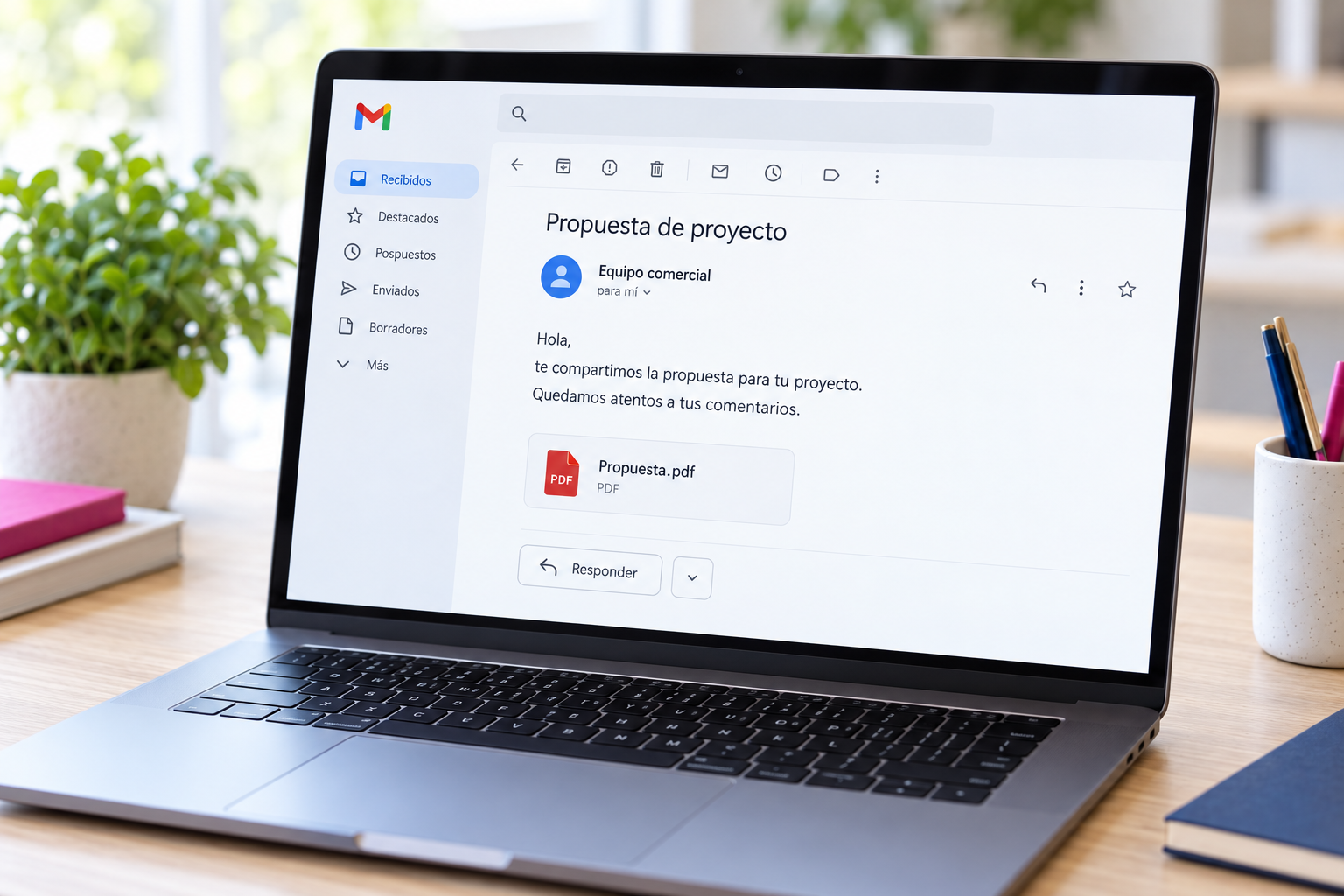
Start with the number of people who need separate access. Then compare three common approaches:
Compare the full cost: domain renewal, mailboxes or user licenses, setup, migration, support, and any separate backup service. An alias may avoid an extra mailbox, but it is not a substitute for another employee's account.
An existing service is usually the sensible starting point. Custom software development is rarely necessary for ordinary business email.
A controlled transition makes it easier to keep track of existing conversations:
Moving email does not automatically update your login address on other platforms or transfer every file connected to the old account. Treat those as separate migration tasks.
No. You need a domain and a working email service. Your website can launch later, and its hosting does not have to be with your email provider.
Generally, yes, if you retain control of the domain and recreate the addresses with the new provider. Moving existing messages requires a separate migration.
No. Extra storage alone does not replace your @gmail.com address with a custom domain or necessarily add business administration features.
The goal is a recognizable identity and a communication system you can manage reliably. Pixelgrafía can help connect that decision with your domain, hosting, and broader digital presence, starting with the level of service your operation needs.
Use the form below to tell Pixelgrafía how many people need email, whether you own a domain, and which service you use today. Request a setup or migration proposal tailored to your business.
Complete the form and we will reply as soon as possible.


