

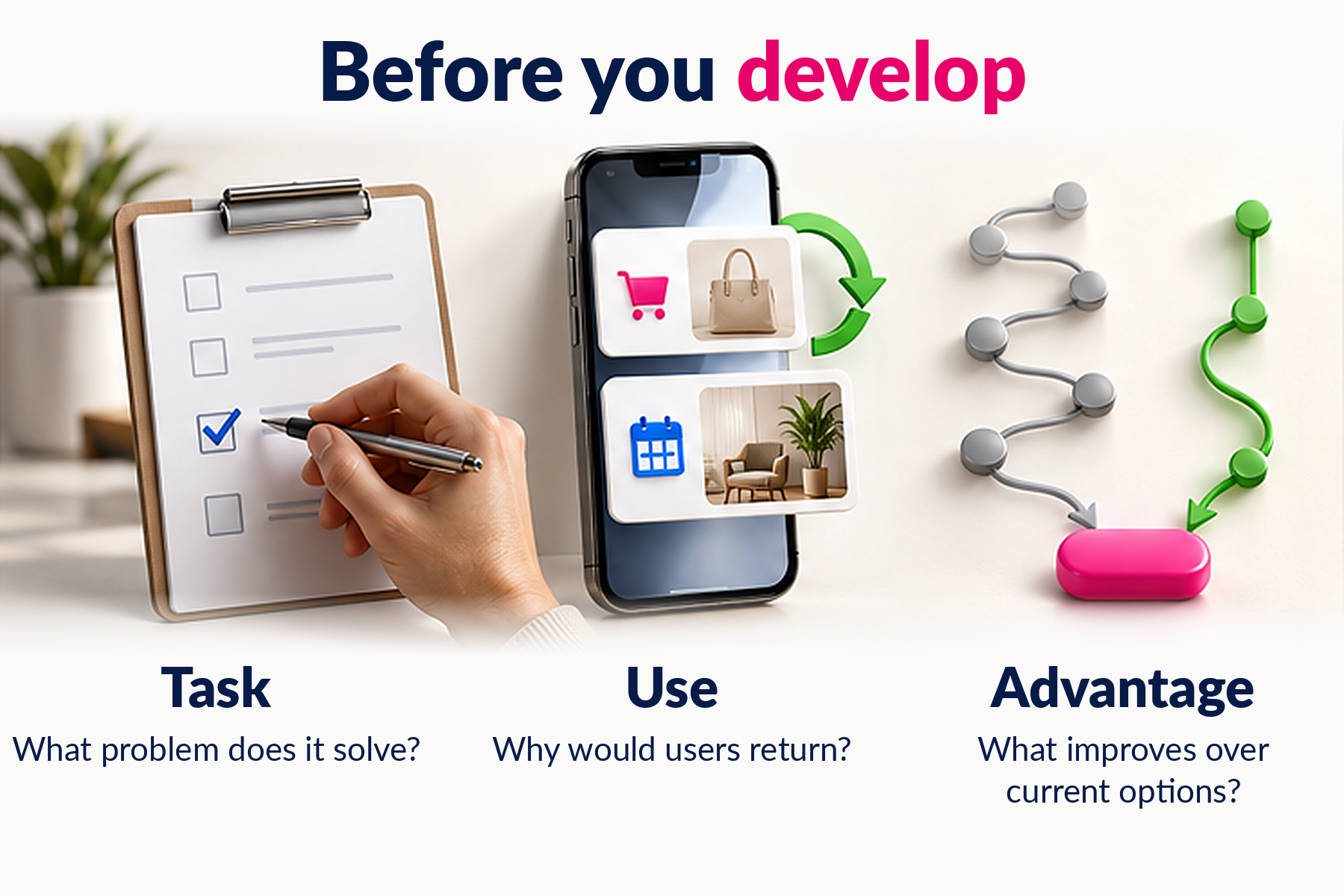
Your business needs a mobile app when it helps customers or employees complete an important task and offers a meaningful advantage over other options. A competitor’s app, a desire to look modern, or another channel for promotions is not enough to make the business case.
An app can simplify repeat orders, appointments, fieldwork, or account access. It also needs users, ongoing support, and a business that can deliver what the interface promises. These eight questions will help you decide what to build—and what to validate first.
Start with something you can observe: customers entering the same order details repeatedly, employees copying handwritten notes into another system, or callers asking for service updates.
“We want more sales” is a goal, not a product requirement. “We want returning customers to reorder without rebuilding their basket” gives you a task you can design and test.
Check: how the task works today, where people get stuck, and what those problems cost in time or effort.
An app for customers is different from a tool for employees or business partners. Identify the group you are serving before listing features.
Frequent tasks can justify keeping an app installed: checking deliveries, managing shifts, or recording site visits. Occasional use can also make sense when the task is important enough. The benefit needs to outweigh the effort of installing, learning, and keeping the app.
Check: who needs it, how often, and under what conditions.
Look for a practical improvement: fewer steps, planned access during connectivity gaps, or device features that materially improve the task.
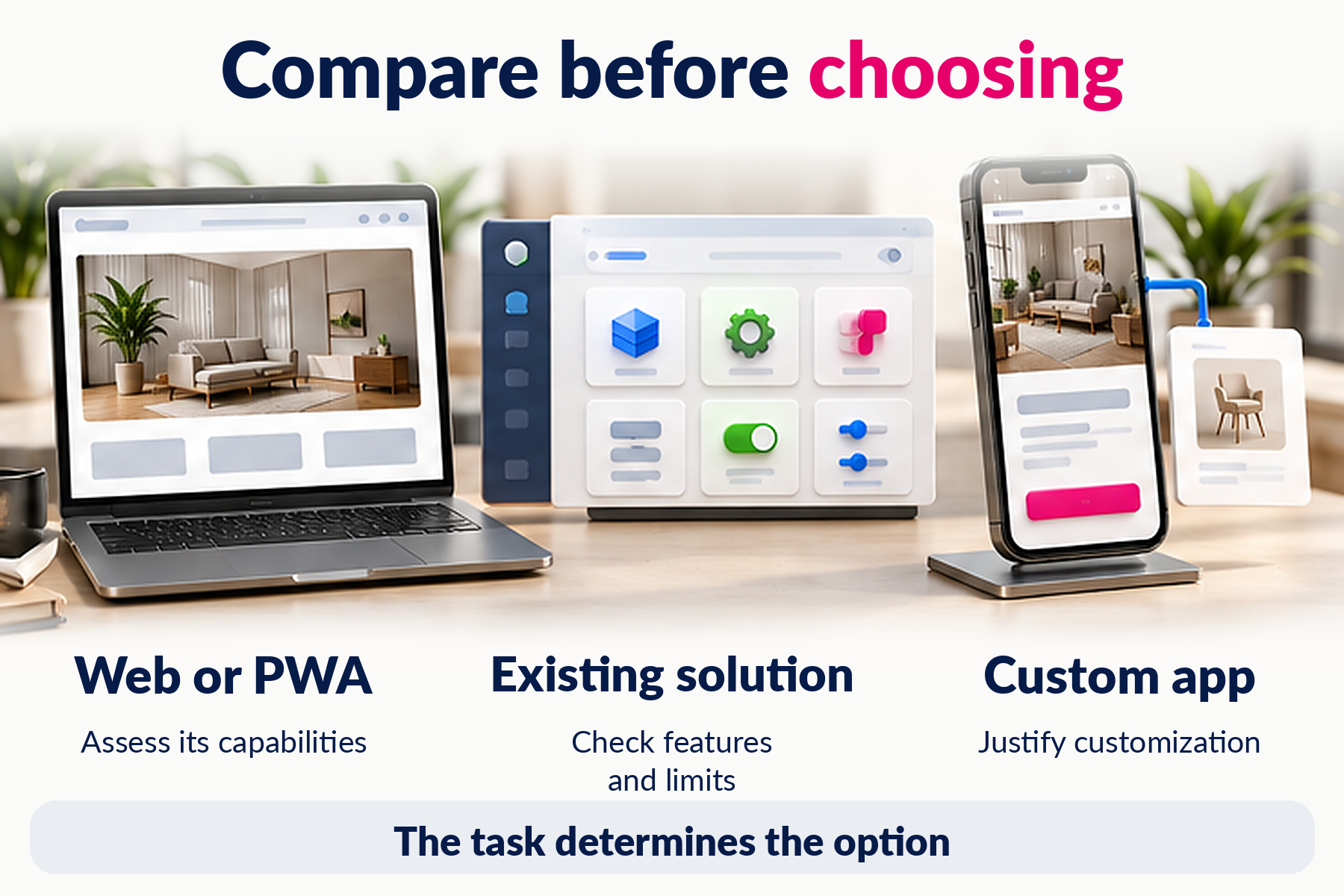
Camera access, location, and notifications are not automatically reasons to build a mobile app. Some web applications and progressive web apps, or PWAs, can support these capabilities too. Support varies by feature, device, and browser, so the required behavior needs verification.
If the immediate goal is to explain your services and receive inquiries, a better website may be enough. Read more about when a small business needs a website.
Compare scheduling software, ecommerce platforms, customer management tools, and products built for your industry. A configurable application may cover your initial needs without requiring a completely custom build.
Check functionality, restrictions, licensing, integrations, data access, and export options. An existing product will not fit every business, but starting from scratch is not automatically the better choice.
Check: which important requirements remain unmet and whether they justify customization.
If the app displays appointment availability, that information must stay current. If it accepts orders, someone must fulfill them. If it checks inventory, the underlying data must be reliable.
Identify the systems it needs to connect to, the people responsible for the data, and what should happen when an integration fails. Define access permissions and operational ownership. An app can make a messy process more visible without fixing it.
Check: where information comes from and who is responsible for each step.
Budget beyond design and development. Consider infrastructure, external services, testing, updates, security work, customer support, and improvements. Some expenses recur regularly; others depend on usage or necessary changes.
Ask for a proposal that separates launch work, recurring costs, and work outside the agreed scope. Clarify control of accounts, data, administrative access, and source code under the contract.
Check: who will maintain the app and what resources they will have.
Publishing an app does not create an audience. You need a clear reason to use it and an easy first action, whether that is booking an appointment, repeating an order, or checking a record.
For customers, identify existing touchpoints where introducing the app would be useful. For employees, plan training, support, and changes to daily work. Constant discounts should not be the only reason anyone opens the app.
Check: how users will discover it and what useful outcome they will reach first.
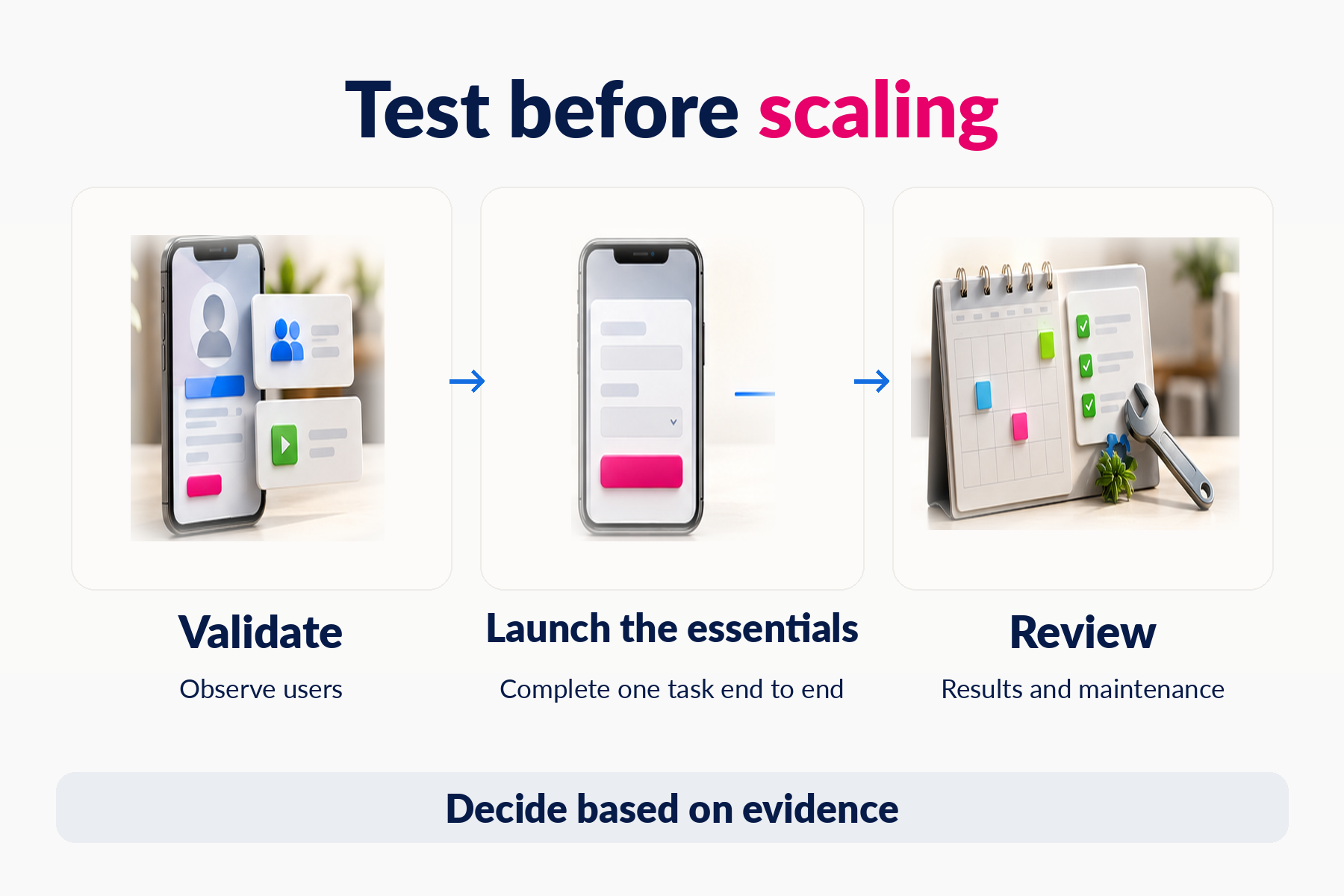
Before building every feature, test the main journey with a clickable prototype. It can reveal whether people understand the product and can follow the steps. It does not, by itself, prove ongoing demand or technical feasibility.
A working first release can then focus on the essential task. Choose relevant measures: completed orders, time spent on a workflow, errors, repeat use, or support requests. Record a baseline from the current process so you have something meaningful to compare.
Check: what evidence would justify expanding, changing direction, or stopping.
This is not a points-based quiz. A useful feature cannot make up for missing users, unreliable data, or an unsupported product.
Consider two hypothetical businesses. A studio handling occasional quote requests may benefit more from a clear website. A service company whose technicians document work at different locations every day may have a strong case for an operational app. The task and working conditions matter more than the industry label.
Write a one-page brief describing the users, their main task, the current process, connected systems, and the outcome you want to improve. Include unanswered questions; they help define realistic work rather than weaken the brief.
Pixelgrafía can help evaluate that scope and determine whether an existing solution, a website improvement, or custom mobile development fits your needs.
Would an app make sense for your business? Tell us which process you want to improve, and let’s assess the next step.
Complete the form and we will reply as soon as possible.


