

As an external benchmark, Clutch’s 2026 pricing guide, accessed October 30, 2026, places most projects reviewed on its platform between US$10,000 and US$49,999. This reflects its international review sample; it is neither Pixelgrafía’s pricing nor a quote for your app.
Your project may cost less or more. Configuring an existing product, building a focused custom app, and developing a platform that connects customers, providers, and internal teams involve different work.
A useful budget answers three questions: what will the first release include, what will it cost to operate, and which changes will be billed separately?
The interface on a phone may be only one part of the product. Your team might also need an administrative dashboard, a system that processes and stores information, connections to other services, and monitoring tools.
Ask the proposal to explain these areas:
You may not need every component built from scratch. If your business already has a suitable system, establish what can be reused and what will need modification.
Customers, delivery drivers, and supervisors may need different interfaces and permissions. Each role adds actions and situations to define and test. A “delivery app” can actually mean several apps plus an administrative dashboard.
A booking button might depend on staff availability, schedules, cancellations, payments, and notifications. Screen count alone does not describe the workload. The business rules behind each task matter just as much.
The proposal should explicitly identify Android, iOS, and any other supported devices. At Pixelgrafía, we work with Ionic, which uses web technologies to build app interfaces and share a codebase across platforms. Together with integration tools such as Capacitor, it supports deployment to Android and iOS and access to the device features a project requires.
This approach can make use of shared development work, but each platform still needs configuration, testing, and distribution preparation. Integrations and platform-specific features also affect the cost. Using Ionic does not remove those tasks or guarantee a fixed percentage of savings.
A documented service with a test environment is different from an older business system with no clear way to exchange data. Identify each integration, the person responsible for it, and the access available before agreeing on the price.
Offline work, later synchronization, multiple permission levels, and simultaneous transactions can expand the scope. Describe these requirements early, alongside security and accessibility needs.
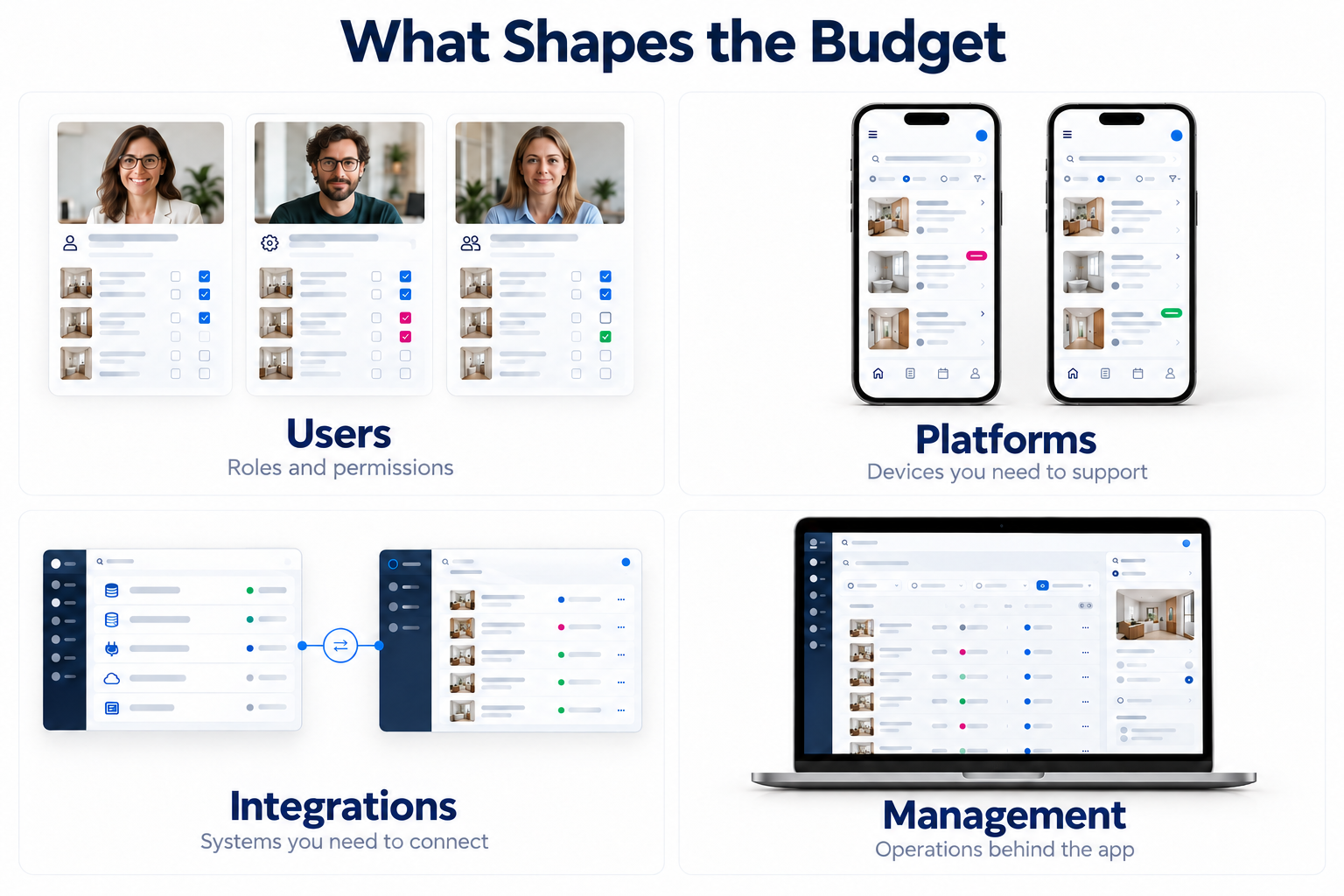
The following are hypothetical scope examples, not Pixelgrafía packages or price offers.
Before choosing the broadest option, consider whether your business needs a mobile app. Existing software or a website improvement might address the immediate need.
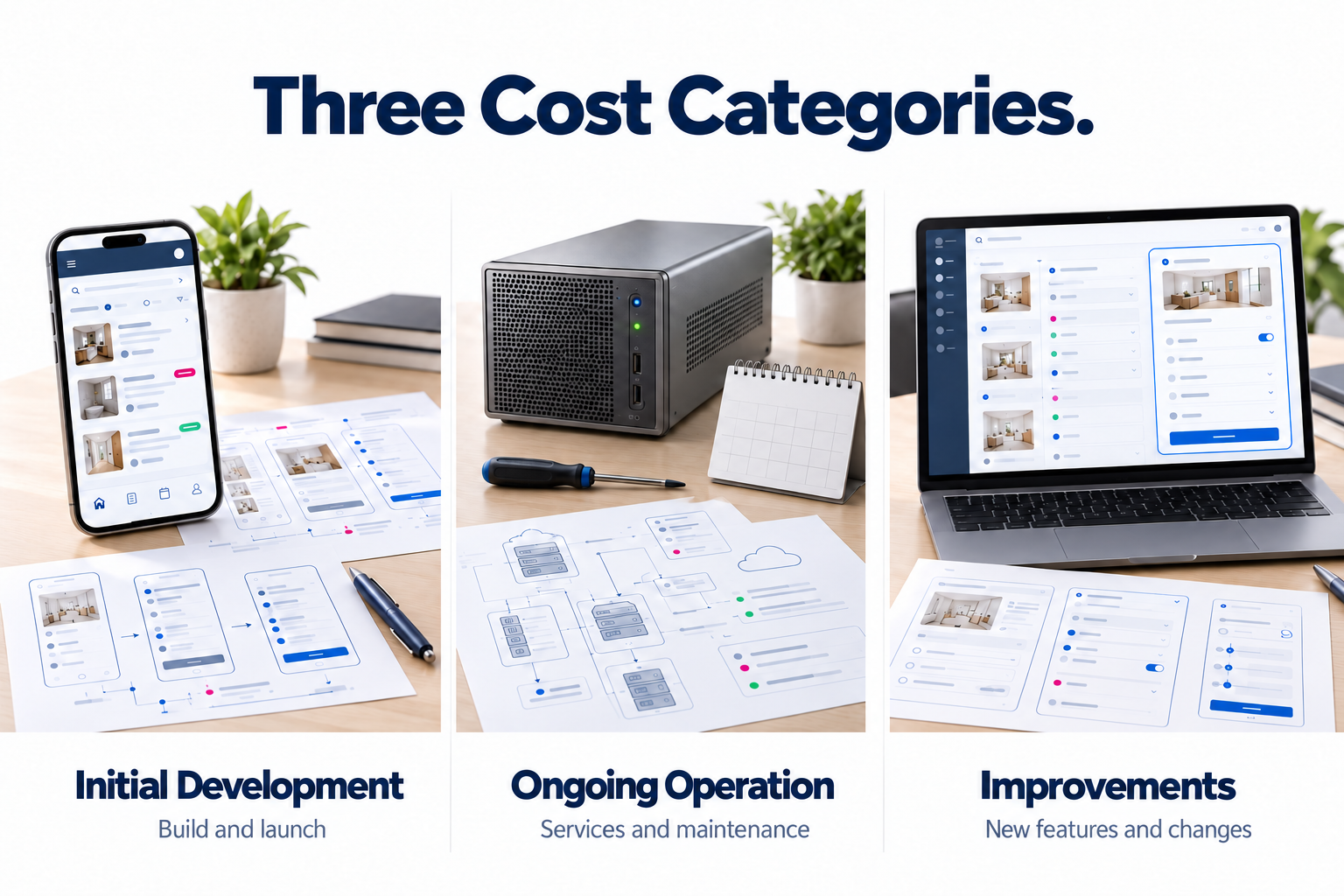
Separate your budget into initial development, ongoing operation, and future improvements. This makes it easier to distinguish launching the product from keeping the service available.
Some services charge according to usage. For example, Firebase lists different products and usage-based billing options. Infrastructure estimates depend on how the app operates, including stored files, transactions, and data transfer. Download count alone cannot determine the bill.
Distribution can also involve fees. When checked on October 30, 2026, Apple’s official enrollment page lists standard Apple Developer Program membership at US$99 per year, with regional pricing variations. That fee does not cover development or guarantee app approval.
For each expense, identify who pays, how often, and which usage assumptions apply. Keep promotion and commercial customer service visible as well: they are not automatically included in technical maintenance.
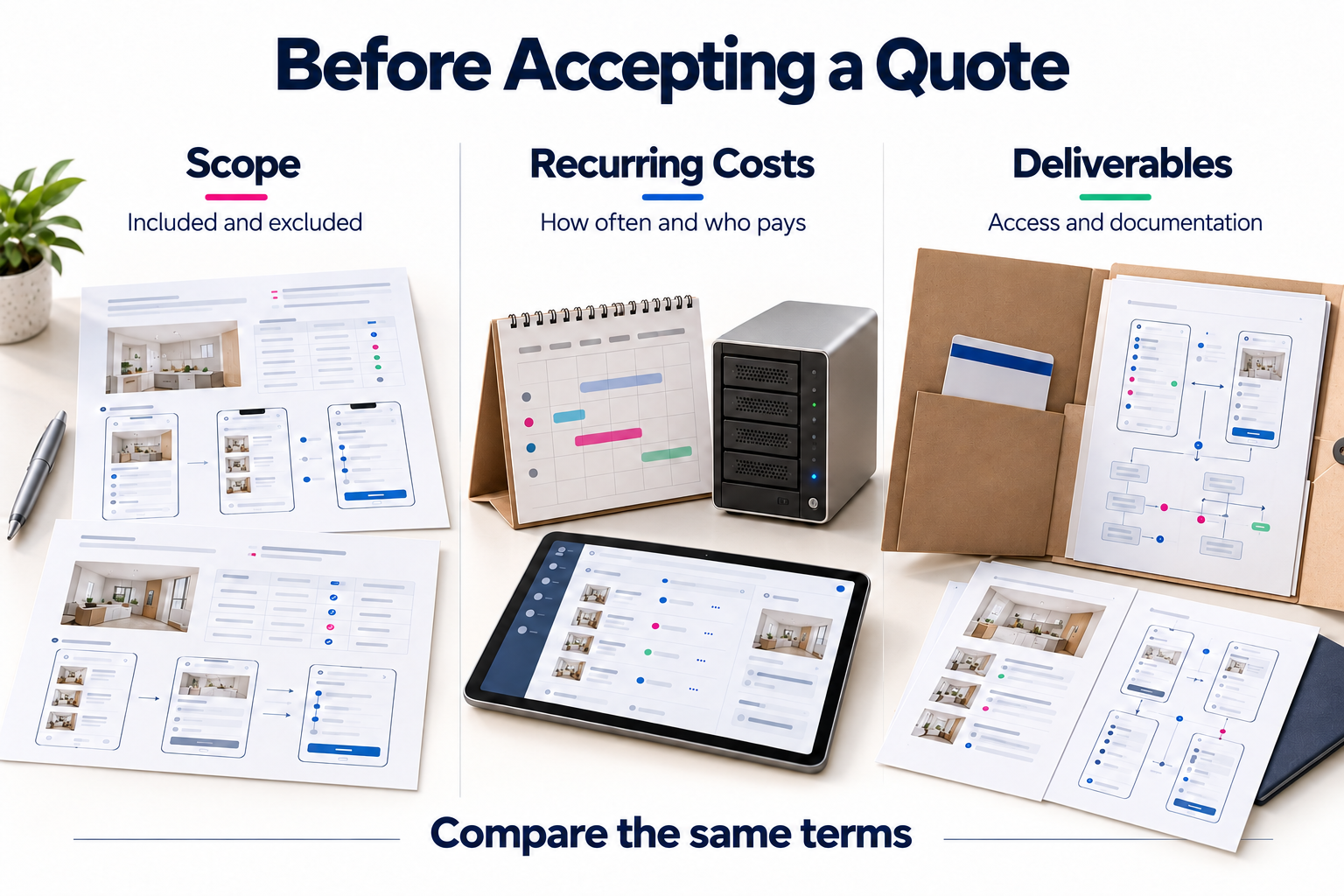
Two proposals may have different prices because they promise different deliverables. Ask both providers to address the same conditions:
A useful acceptance criterion would be: “A valid request appears once in the team dashboard, and the customer can check its status.” This is more specific than listing a “request module.”
Pixelgrafía offers an automated online quoting tool where you can select your app type, target platforms, and required features. Options include user registration, notifications, bookings, payments, maps, and an administrative dashboard.
Start with the version you need to launch. Select the features users need to complete their main task, and leave future additions for a later phase. Your initial selections help organize the project; specific business rules and integrations still need review to establish the final scope and price.
Also describe who will use the app, which systems it must connect to, your available budget, and any deadline tied to a real business requirement. If those details are still unclear, begin by turning your idea into a defined project.
To reduce the investment, postpone secondary features or divide the project into useful releases. Keep testing, security, and a complete core workflow within the agreed scope.
A fixed price requires clear deliverables, exclusions, and a change process. Hourly billing requires visible progress, agreed rates, and budget controls. The right choice depends on how much is known about the project and how uncertainty will be managed.
You can agree on payments linked to verifiable milestones, such as an approved prototype or a tested workflow. The schedule and any upfront payment should be clear before work starts. There is no universal payment split that fits every project.
Do not assume it does. Check which rights, files, and access credentials are included, which components use third-party licenses, and what you would need to switch providers.
Use Pixelgrafía’s automated online quoting tool: select “Mobile App,” choose the platforms and features you need, and enter your contact details to request a quote for your project.
Complete the form and we will reply as soon as possible.


