

WordPress is often a practical starting point for publishing content and handling common website requirements. Custom development deserves consideration when your business needs workflows that available solutions cannot accommodate effectively. The right choice depends on scope, ongoing support, and daily use.
There is an important distinction: a WordPress website can also have custom design and custom code. Before comparing estimates, establish what each provider means by “custom.”
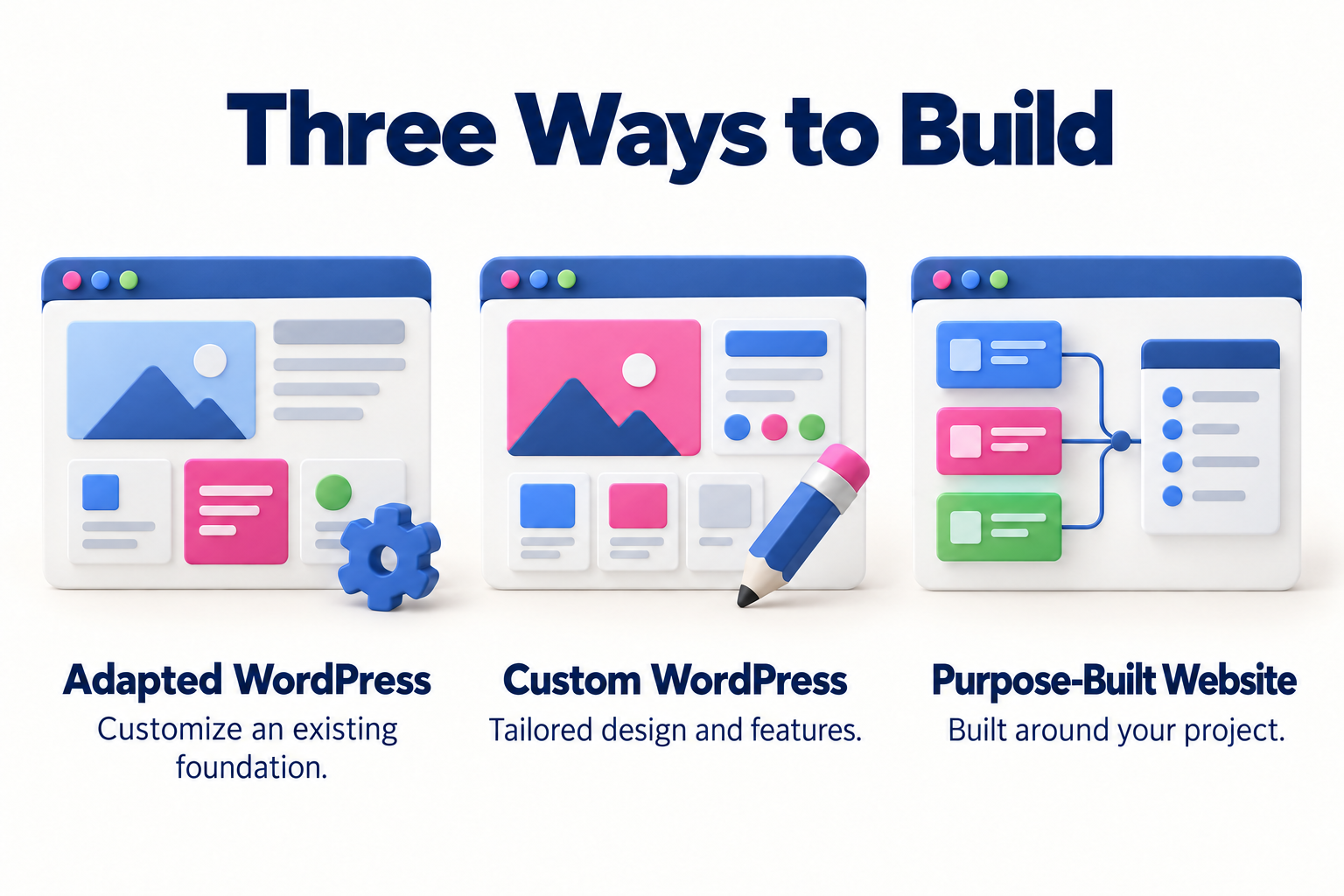
WordPress is a content management system, or CMS. It provides an administrative interface for pages, posts, and images. Themes shape the presentation, while plugins add capabilities. Developers can also create themes and plugins specifically for your project.
The official WordPress Theme Handbook explains how developers build their own themes. Using WordPress does not require your website to look like a generic template.
Here, “custom development” means a solution whose structure and functionality are built specifically for the project without WordPress as its main CMS. It can use existing tools and include an administrative interface. Custom does not mean every component must be written from scratch.
Also distinguish WordPress.org, which distributes the software, from WordPress.com, a hosted service with its own offerings and conditions. This comparison primarily concerns WordPress installed with a hosting provider chosen for the project.
When WordPress may be a good fit
Consider it when you need service pages, articles, project examples, and content updates handled by your team. Plugins can also support commercial functions, provided their capabilities match your requirements.
For a hypothetical photography studio publishing sessions, services, and news, established editing tools could be useful. Either an adapted theme or a custom WordPress design might meet those needs.
The benefit of reusing components depends on their actual fit. A plugin labeled “booking” does not automatically support your scheduling rules, availability, cancellations, or staff workflow. Those details need checking.
WordPress becomes less attractive when a proposed implementation relies on difficult-to-maintain modifications to reproduce a process that needs a different structure. Evaluate that against specific requirements, rather than page count or company size.
Custom development may make sense when the website is part of your business operation: assigning requests, applying specific rules, managing distinct permissions, or exchanging information across several systems.
Imagine a company calculating quotes from dimensions, materials, availability, and customer-specific conditions. If existing tools require duplicate data entry or cannot represent those rules, a purpose-built solution is worth evaluating.
An integration alone does not rule out WordPress. The question is which approach can implement it with manageable complexity and ongoing support.
A small informational website might also work well as a simple static site. If you expect frequent updates, confirm how they will be made. A custom website does not automatically include a content editor.
| Area | WordPress | Custom development |
|---|---|---|
| Everyday editing | Starts with existing publishing tools; usability depends on configuration. | The included editing interface or process needs to be specified. |
| Functionality | Combines built-in capabilities, plugins, and potentially custom code. | Implements the agreed scope, reusing components where appropriate. |
| Initial work | Can be reduced when available tools fit the requirements. | Depends on how much needs to be designed and built specifically. |
| Maintenance | Includes core, theme, and plugin updates and compatibility checks. | Includes code, dependencies, infrastructure, and integrations. |
| Changing providers | Requires access, backups, licensing details, and knowledge of customizations. | Also requires documentation sufficient for another team to continue development. |
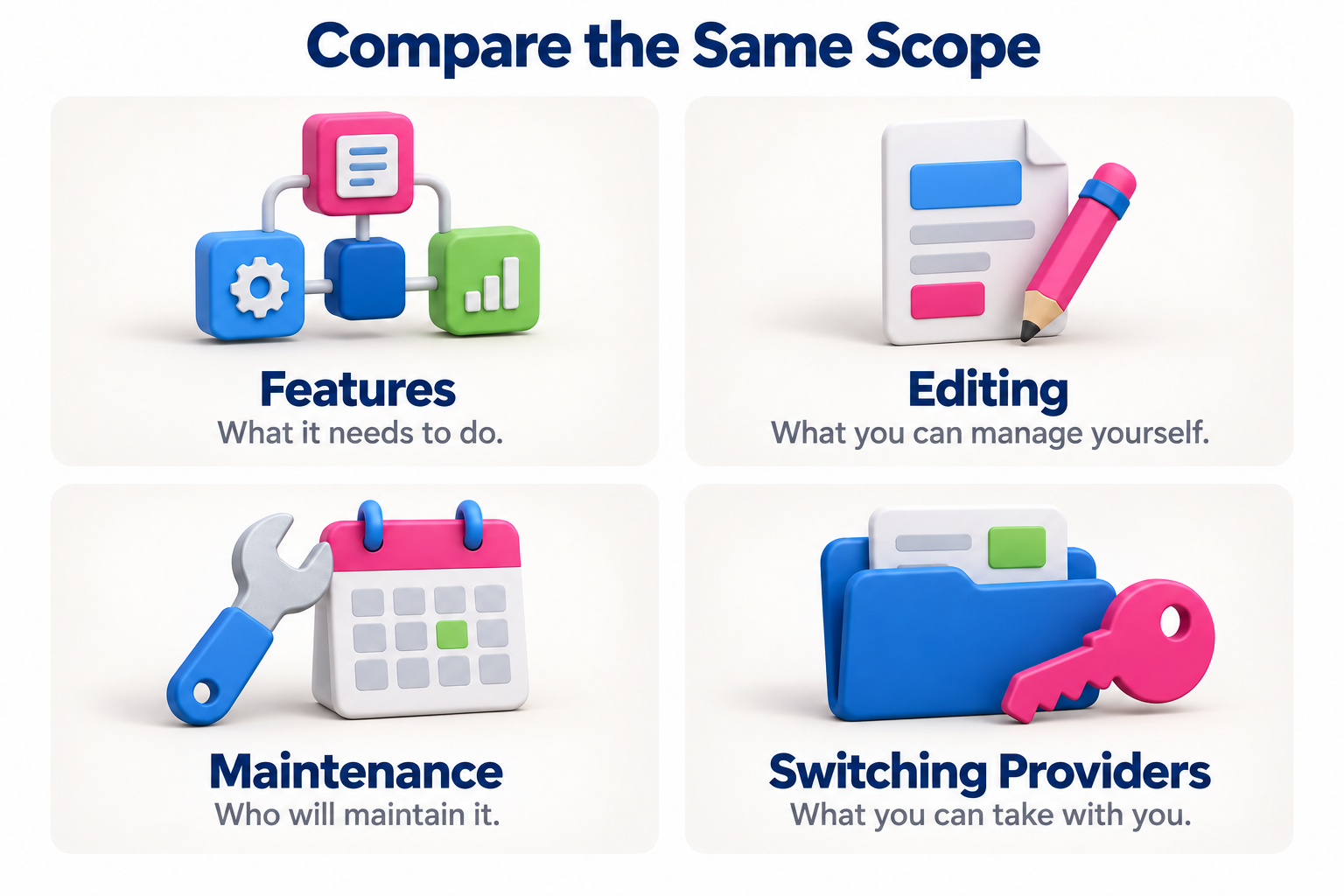
Compare estimates covering the same pages, content, functions, and testing. Separate the initial build from hosting, the domain, licenses, maintenance, and later changes. Free WordPress software does not make design, configuration, or support free.
A custom site is not automatically the most expensive option either: its scope might be small. Ask what the estimate includes and which requests incur additional charges.
Do not assume a custom site will be faster or that WordPress will be insecure. Ask for tests of the actual website, including its images, forms, and integrations, especially on mobile devices.
Both approaches need clear responsibility for updates, access permissions, backups, and recovery. The official WordPress security guide identifies these as part of protecting an installation.
Both can support an implementation that search engines can understand. Check content accessibility, clear links, and control over page titles, descriptions, and changed URLs. An SEO plugin does not replace that work or guarantee rankings.
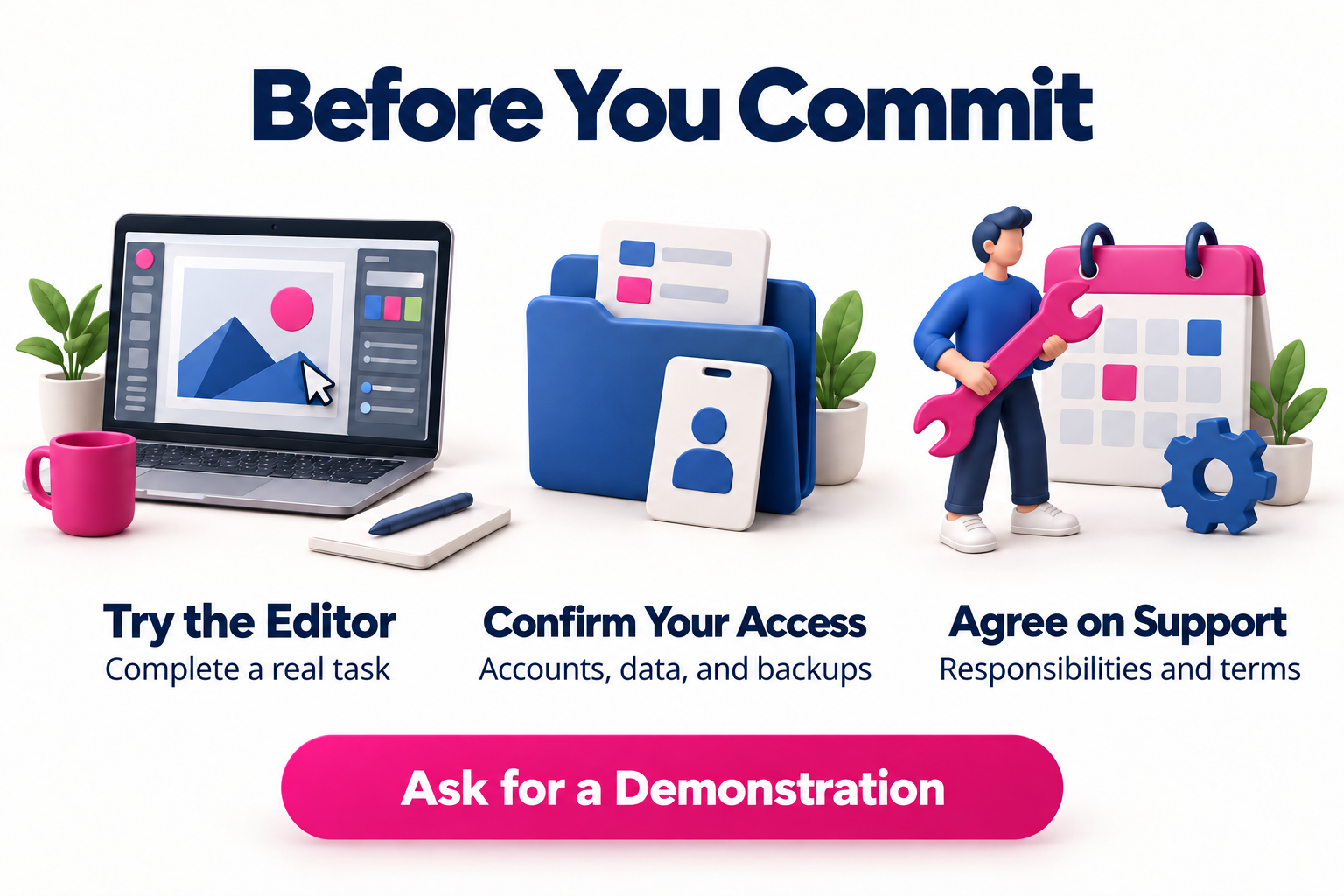
Test the tasks you will handle: replacing a photo, editing a service, or publishing an article. Establish how old URLs will be handled when content moves or is removed.
Content editing access is different from control over the whole website. Get written confirmation of the accounts you will receive, domain ownership, backup delivery, and the conditions for moving to another provider.
Prepare three lists: essential capabilities, editing tasks for your team, and acceptable recurring costs. Compare proposals against those same requirements.
If the website’s format is still undecided, first consider whether you need a business website, landing page, or online store. That helps establish the scope before choosing the technology.
Yes. You can commission a custom design on WordPress. Check which elements will be developed specifically and which depend on themes, page builders, or plugins.
Not necessarily. An existing solution may support standard selling needs. Pricing rules, inventory, fulfillment, and integrations determine whether adaptations or a different architecture are needed.
Yes, but migration can involve rebuilding functions, adapting content, and managing URLs. Establish early how you can export your data and which components depend on the provider.
Tell Pixelgrafía what your website needs to do and what you want to manage yourself so we can discuss an approach that fits your business and its ongoing support needs.
Complete the form and we will reply as soon as possible.


