

A web application is worth considering when your business needs people to manage information through a browser. A mobile app deserves a closer look when the work happens primarily on a phone and benefits from an experience designed around that setting. When office staff and people working in the field have different needs, you may need both.
The choice depends on who will use the tool, where they will use it, which information they need, and what should happen when connectivity drops. Your office might need a browser-based order dashboard while delivery staff need a mobile workflow. Both can support the same operation without using identical screens.
If you have not established whether new software is necessary, start with these questions about whether your business needs a mobile app. This article focuses on choosing how users access a workflow you have already identified.
A web application helps people do things: manage inventory, approve requests, review records, or coordinate services. It can have user accounts, access permissions, and private information. It is more than a website that introduces your company.
You can design it for computers, tablets, and phones. However, adapting a layout to different screen sizes is only part of the job. Reviewing a large table and recording an issue during a site visit call for different interactions.
A mobile app runs as an installed application on a phone or tablet. It can support recurring tasks, short interactions, and device-related capabilities. It becomes a stronger option when that experience offers a practical advantage for the person doing the work.
Installation also creates an extra step. Users must obtain the app, access their account, and learn how to use it. Your business must maintain compatibility with the devices and operating systems included in the project.
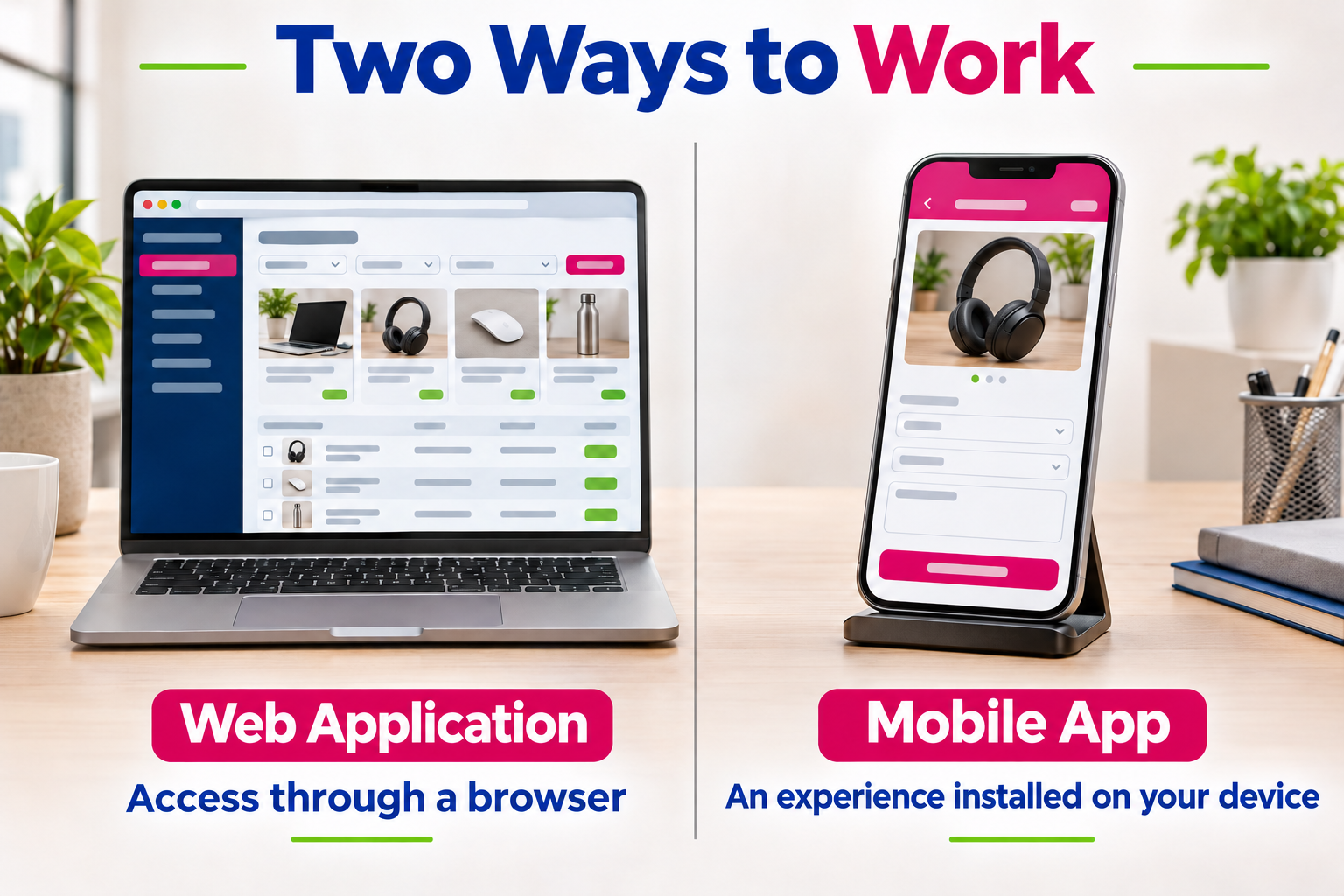
| Factor | Web application | Mobile app |
|---|---|---|
| Access | Users can open a link and sign in with the appropriate credentials. | You need a way to install the app and provide access on the intended devices. |
| Typical work | Worth evaluating for tables, documents, searches, and desktop administration. | Worth evaluating for short, repeated actions during travel or fieldwork. |
| Device capabilities | Check what the supported browsers allow. | Check integrations, permissions, and operating system restrictions. |
| Intermittent connectivity | Offline tasks must be deliberately designed and tested. | Installing an app does not automatically make it work offline. |
| Maintenance | Includes the application, infrastructure, and supported browser compatibility. | Includes the app, connected services, and supported mobile platform compatibility. |
These are decision factors, not automatic rules. A workflow used every day can work well in a browser. An occasional but critical task that depends on device capabilities may justify a mobile app.
A progressive web app, or PWA, uses web technologies and can support installation and selected offline capabilities. MDN’s documentation explains that advanced features require checking browser and device support.
Camera access, location, or notifications alone do not settle the decision. Describe the behavior you need. Attaching a photo during a visit is a different requirement from tracking location while an app runs in the background.
Ask for a technical demonstration of the critical feature on the equipment your users will actually have. A successful demo on a different phone may leave the important question unanswered.
Consider a hypothetical distribution company. Office staff review orders, update products, and assign deliveries on computers. Sales representatives visit customers and need to prepare requests on their phones.
One possible arrangement would be:
The aim is to avoid two independent sets of records that someone must reconcile manually. Define which system holds the authoritative information, who can change it, and how updates move between interfaces.
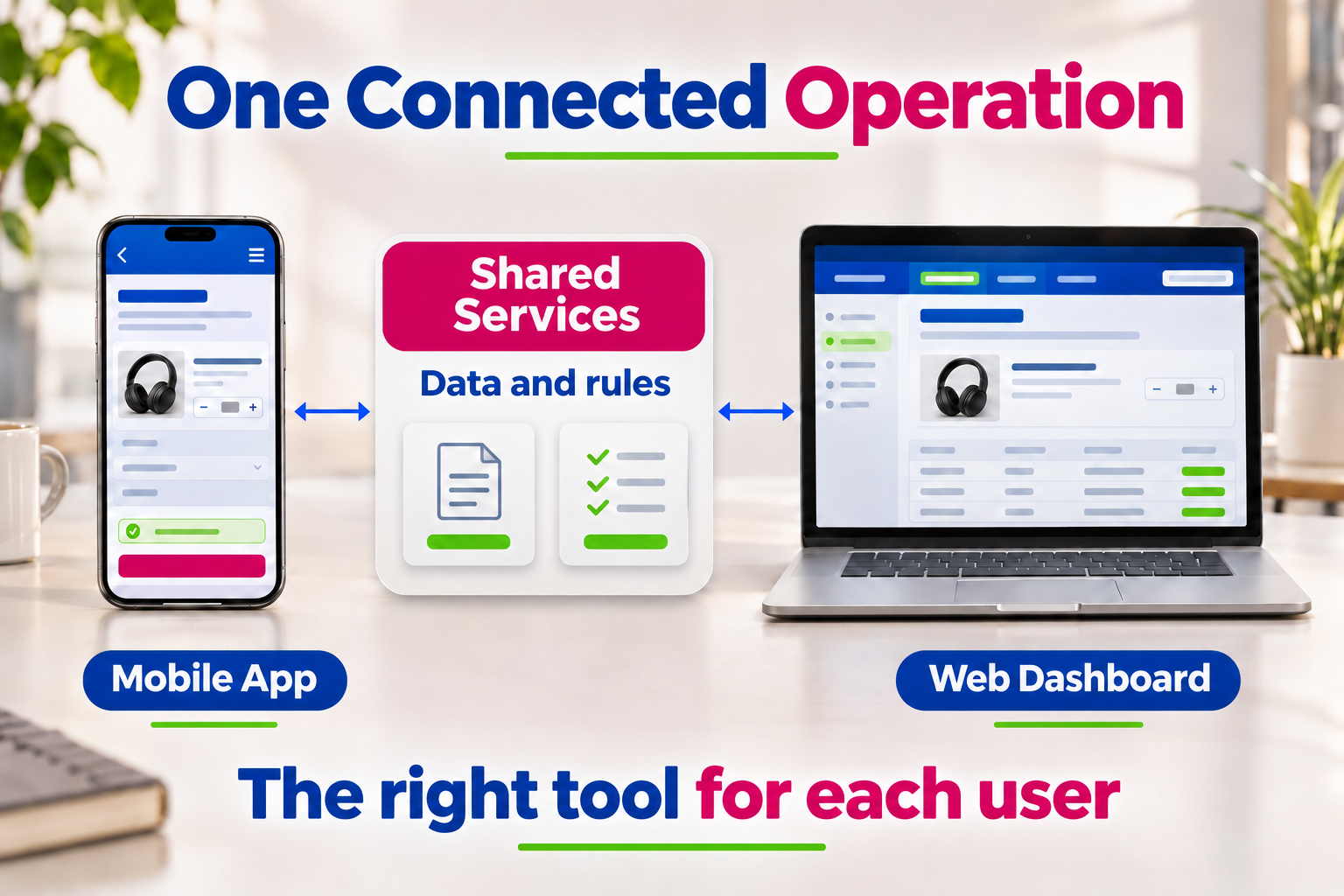
If a representative prepares an order offline, the interface should distinguish a draft saved on the device from an order accepted by the system. When connectivity returns, the workflow may need to check stock, prices, and duplicate submissions before confirming the order.
That distinction helps prevent the business from promising an outcome that its operational system has not yet approved.
Pixelgrafía works with Ionic. Its official documentation describes building interfaces with web technologies and sharing a codebase across mobile and web targets.
Shared code does not make every user experience identical. A phone form and an administrative dashboard may need different designs while reusing suitable components. Platform testing and integration testing remain part of the work.
Before commissioning custom software, check whether an existing product supports the process. Review its limits, permissions, integrations, and data export options. If the immediate need is to explain services and receive inquiries, a well-designed website may be sufficient.
Compare options against the same workflow and operating conditions. A proposal that includes a mobile app, an administrative dashboard, and inventory integration is not equivalent to one covering only the mobile screens.
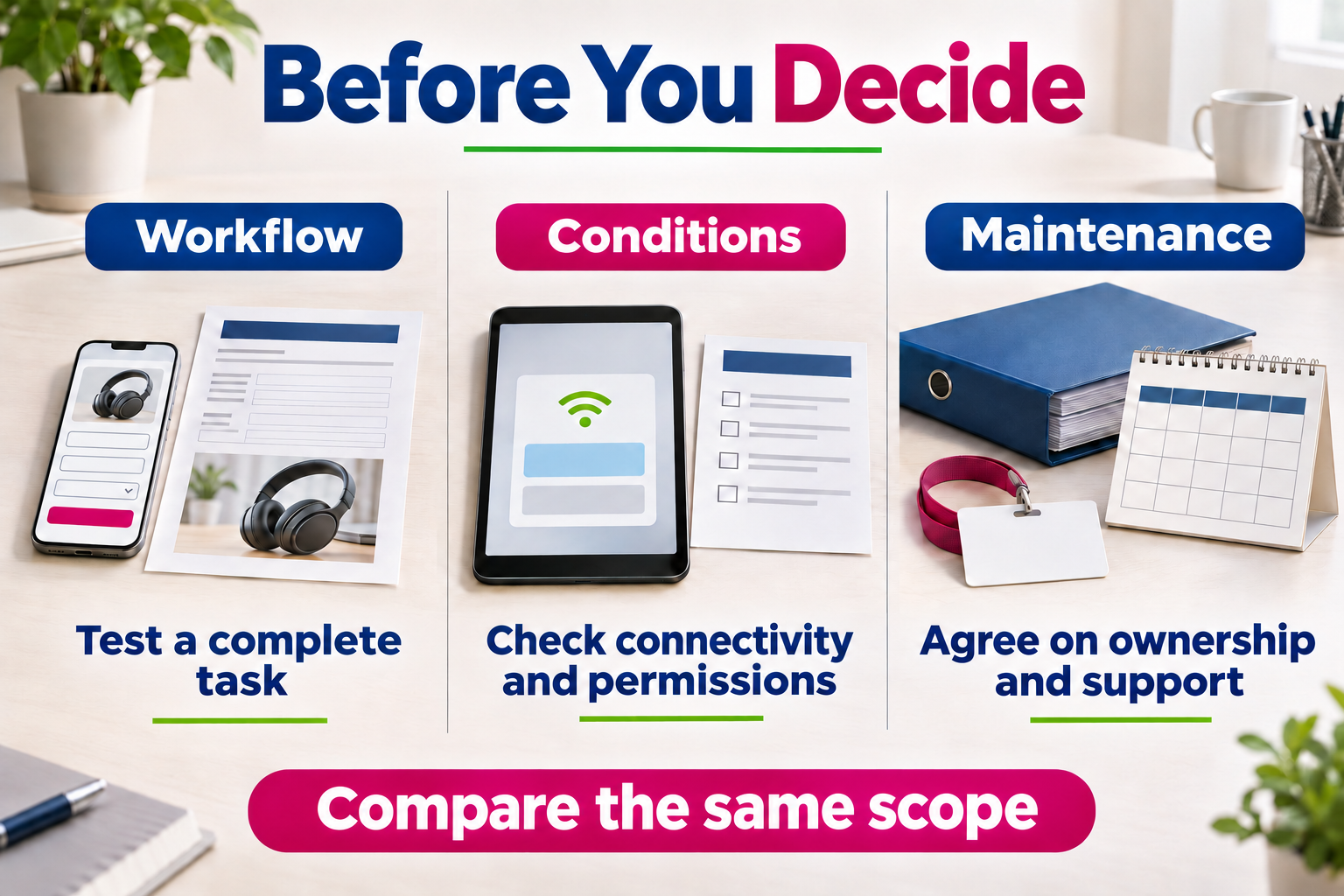
Separate initial development, recurring services, and future improvements. Include training and the effort required to change existing working habits. If you plan phased delivery, establish what can be reused and what will need additional development.
Yes, if the architecture and planned integrations support it. Check how a future mobile app would access existing accounts, information, and business rules. Do not assume that any website can be converted directly into a mobile app.
The format alone does not determine security. Both require appropriate access controls, permissions, data handling, and updates. Ask the team to demonstrate, for example, that one customer cannot access another customer’s records and that an employee’s access can be revoked.
No. You can start with the user group and task that matter most. A pilot still needs a workable process for completing that task, even if some internal activities remain manual and have clearly assigned owners.
Tell Pixelgrafía who will use the tool, what they need to accomplish, and where they will work so we can assess whether a web application, a mobile app, or a connected solution fits your business.
Complete the form and we will reply as soon as possible.


