

For a website to appear on Google, the search engine needs to discover its pages, access their content, and process that information. The pages also need to offer something useful for the searches you want to reach. Registering a domain and publishing an attractive design do not guarantee visibility.
Website development should account for this from the beginning: page structure, content, technical access, and checks after launch. If you already have a site, start by identifying the problem. A complete rebuild may be unnecessary.
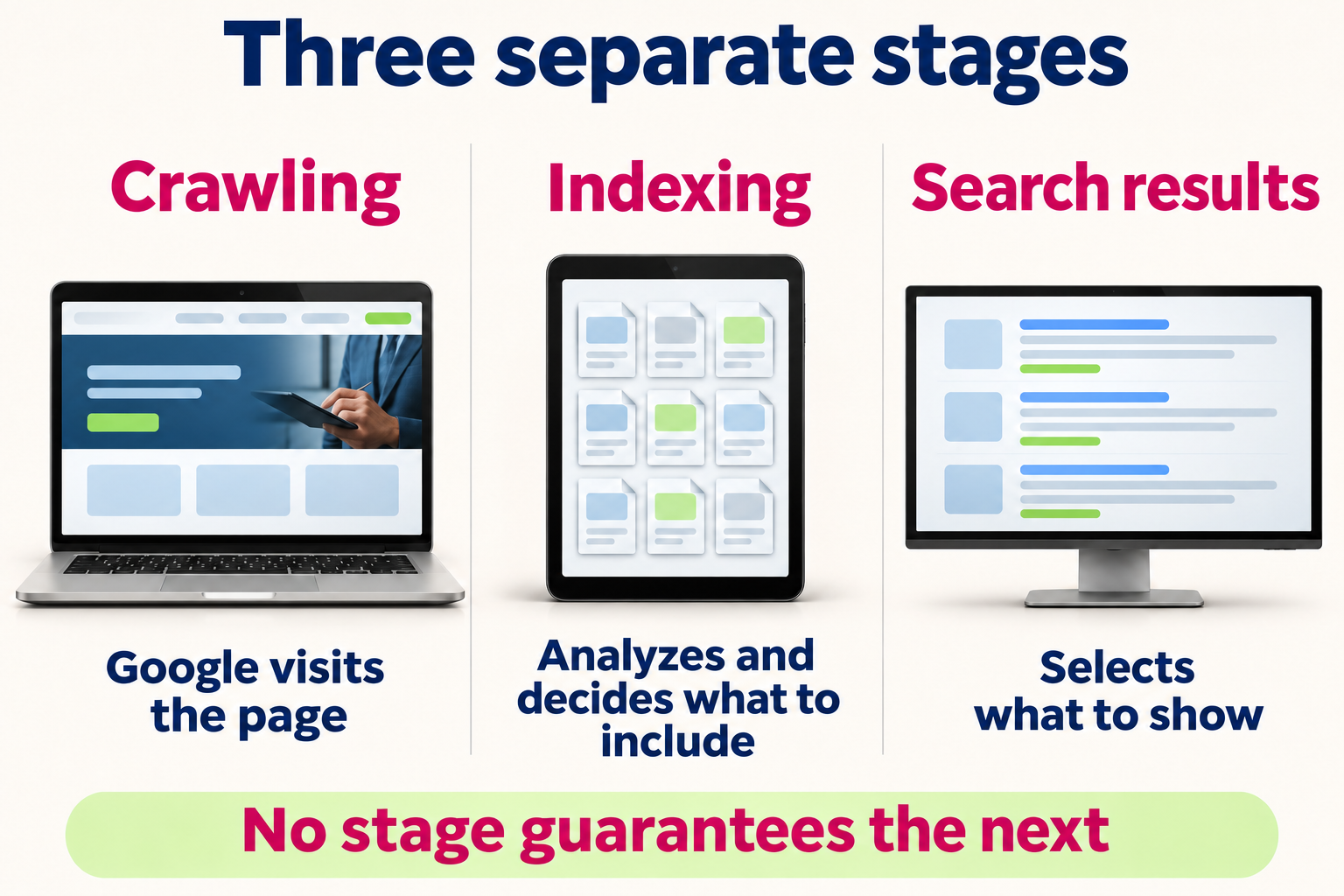
A page is live when people can visit it online. Google then carries out several separate processes:
Google explains that none of these steps is guaranteed. Being indexed does not mean ranking near the top.
For the broader business context, read what SEO is and how it can help your business. This guide focuses on building a search-ready site and checking its launch.
Before designing screens, identify the pages customers need: services, products, company information, and contact details, as appropriate. Give important pages their own addresses and connect them through clear navigation and relevant links.
A control that looks like a button is not necessarily a discoverable link. Your developer should implement links Google can crawl. A service page with no links pointing to it from elsewhere on the site is harder to discover.
Google’s technical requirements include access for Googlebot, a successful HTTP 200 response, and indexable content. HTTP 200 is the server’s way of reporting that it successfully delivered the page.
Check that launch settings do not retain restrictions used during development. A noindex instruction prevents indexing when Google can read it. A robots.txt file controls crawling; it is not an equivalent replacement for noindex.
These checks apply to public pages you want people to find. Private dashboards and customer information should remain protected.
If your website uses JavaScript to load information, the developer should verify that the main content and links are available in the version Google processes. A page displaying correctly in your browser does not, by itself, establish that Google received everything it needs.
Google uses the mobile version of a site’s content for indexing and ranking. Important explanations, relevant images, and navigation should remain available on phones.
Test reading, image loading, and form submission on actual devices as well. Customers should be able to understand your service and contact you without constantly zooming or struggling with unresponsive controls.
Ask for editing tools that let you correct copy, update services, and manage page titles and descriptions. Agree on who will handle hosting, software updates, and backups.
A well-implemented template may be sufficient for a straightforward business website. Custom development makes sense when your features or workflows require it. Before choosing, ask to see how you would publish and update a real page.
Consider a hypothetical air-conditioning maintenance company. A useful service page would explain which equipment it works on, its service area, what an inspection includes, and how to request a visit. A photograph with “quality and commitment” over it would leave those questions unanswered.
Provide specific, verifiable information. Identify the business, explain its services, and use original photographs when available. Essential information should also be available as text, rather than appearing only inside images.
Give each page a descriptive title and a relevant meta description. These help describe the content, although Google may display a different title or snippet. Repeating a target phrase throughout the page is unnecessary.
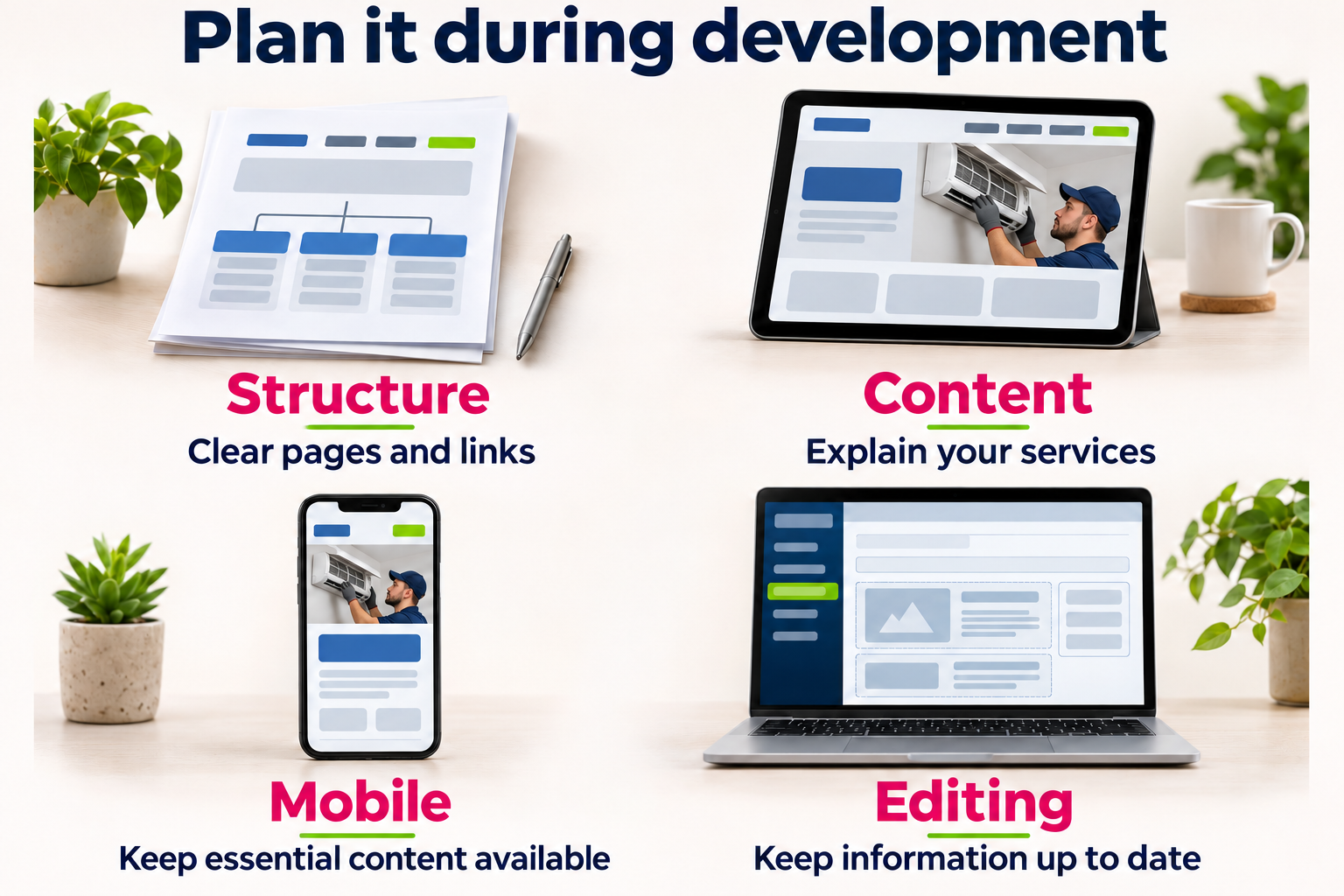
Include a launch review in the project scope and assign responsibility for each check:
Search Console’s URL Inspection tool provides indexing information and lets you test the live page. A successful live test does not confirm that the page is already indexed.
A sitemap is a file that lists pages you want search engines to know about. It can help discovery, particularly for new sites, but does not guarantee crawling or indexing.
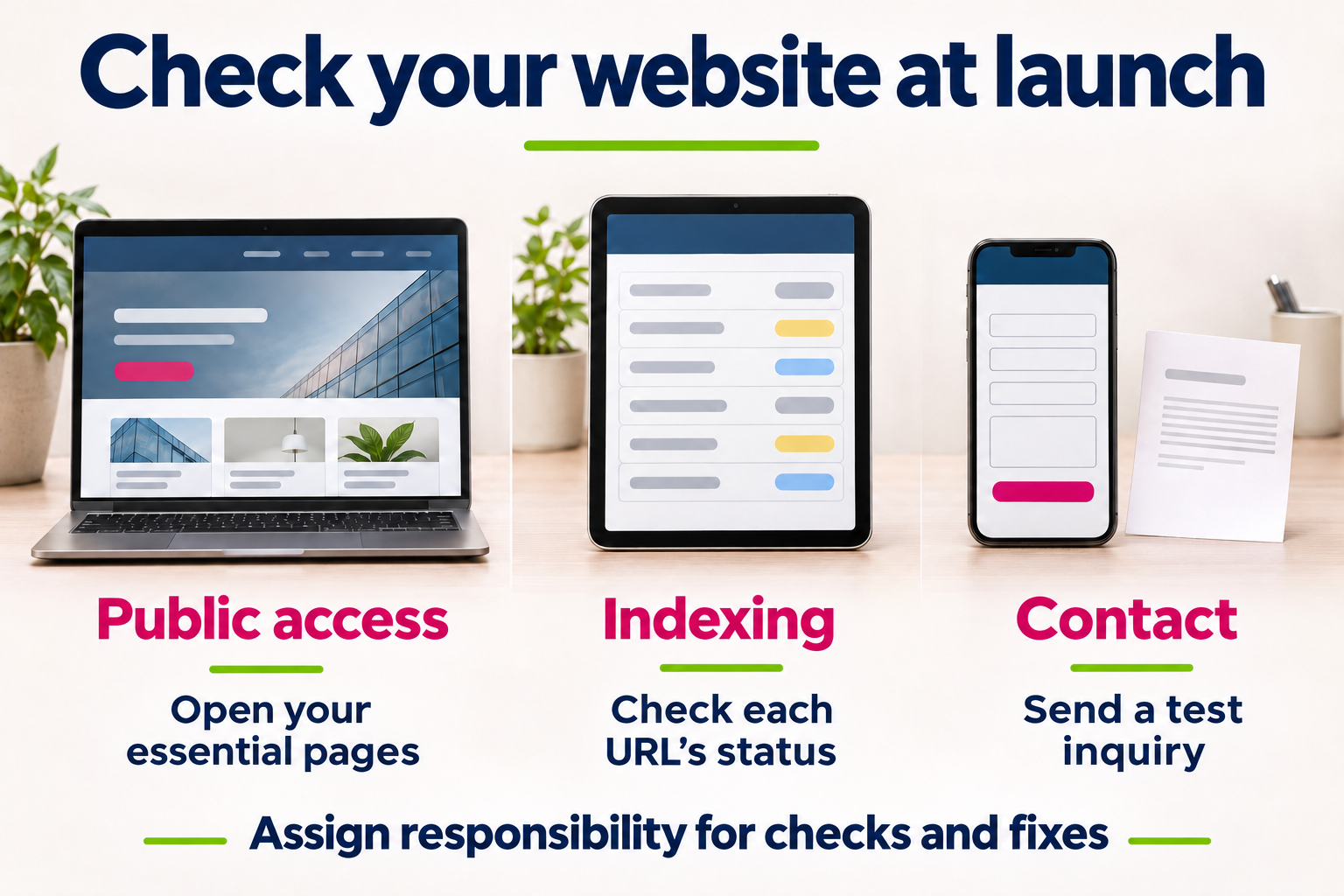
Failing to find your website in a service-related search does not prove that it is missing from Google’s index. It may be indexed but have little visibility for that query. Inspect a specific URL in Search Console before deciding what to change.
If an accidental restriction appears, have the technical owner correct it. If a page is accessible but not indexed, also review its content, internal links, and whether it duplicates another page. Publishing more blog posts does not automatically fix those issues.
Once data becomes available, look at which pages receive impressions and clicks and which queries show them. Then compare visits with actual business inquiries. Discovery, website visits, and purchases are different outcomes.
There is no guaranteed deadline. Google says crawling can take anywhere from a few days to a few weeks. Repeated requests for the same address do not speed it up. Resolve issues and monitor progress instead of relying on a promised date.
No. Buying advertising does not buy inclusion or a higher organic ranking. Website development, useful content, and maintenance still require your time or a professional budget.
Not necessarily. Prioritize the pages people need to understand and purchase your services. Add a blog when you have relevant questions to answer and the capacity to keep the material useful.
Contact Pixelgrafía with your existing website or the services you want to present. We can discuss what your website development project should include or which improvements to address before expanding its scope.
Complete the form and we will reply as soon as possible.


